
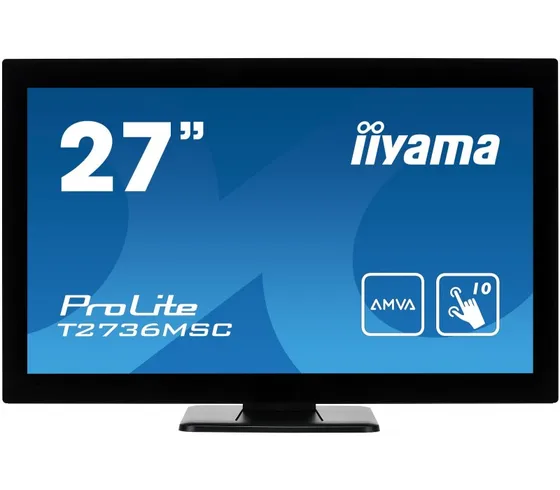
Rental · Touchscreen monitors
iiyama 21.5″ touchscreen monitor — T2252MSC-B2

Give visitors to your stand a convenient place to complete a form, check information or choose a product from a catalogue. The compact iiyama T2252MSC-B2 21.5″ Full HD touchscreen monitor fits on a counter, while the tilt adjustment helps position it for comfortable use. The application runs on a connected computer.
Quantityunits
We’ll confirm availability and pricing for your dates. Adding equipment to your enquiry does not reserve it.
01 / FEATURES AND APPLICATIONS
iiyama 21.5″ touchscreen monitor — T2252MSC-B2 — applications
A catalogue in the visitor's hands
At the counter, make the right content easy to access. Visitors can browse the range, choose the option they’re interested in or begin registration while a member of staff stays nearby to help. The IPS screen lets people view the material together, including from the side of the station.
Demonstration with a consultant
Use a shared screen to talk through the options and show photos. We test the application, computer and touch controls as one setup.
Information point
Share a map, programme or exhibitor search in a compatible app. Position the monitor for easy access and a clear flow of attendees.
An interactive station for attendees
Create a quiz, configurator or interactive presentation that responds to users’ choices. We agree the software and any network connection separately from the screen hire.
02 / TECHNICAL SPECIFICATIONS
Technical specifications
| Model | T2252MSC-B2 |
|---|---|
| Manufacturer | iiyama |
| Screen size | 21,5″ |
| Housing colour | Black |
| Display panel | IPS |
| Resolution | 1920 × 1080 (Full HD) |
| Touch technology | PCAP capacitive touch |
| Touch points | 10; depending on the system and application |
| Operating system | No built-in system; works with a computer |
| HDMI | 1 × HDMI |
| DisplayPort | 1 × DisplayPort |
| USB | 2 × USB 3.2 Gen 1 (hub); USB for touch control |
| Audio output | 1 × mini jack |
| Speakers | 2 × 1 W |
| Wi-Fi | No built-in Wi-Fi |
| LAN | None |
| VESA | 100 × 100 mm |
| Dimensions with base (W × H × D) | 493.5 × 361.5 × 239.5 mm |
| Weight | 4.5 kg |
| Brightness with touch panel | 225 cd/m² |
| Tilt | From −5° to +90° |
| Surface area | 7H glass with anti-fingerprint coating |
| Enquiry unit | units |
The specifications apply to the indicated model. We confirm the equipment supplied in the set and its compatibility with other devices during selection.
03 / CONFIGURATION AND INSTALLATION
Configuration and technical support
Preparing for the project
The application runs on the connected computer. A compatible video connection carries the image, while touch control requires a USB connection. Before the event, we test the forms, button sizes and monitor positioning so the prepared station matches the usage scenario.
Application and touch operation
Send us the application requirements. We check the operating system, video and touch connections, and the computer needed. Android, USB-C and specific mounting options depend on the model.
Choose the rental services you need
You can hire the equipment for collection in Piła, hire it with delivery and collection, or book full technical production. The agreed quote itemises equipment, transport, preparation and crew support.
Supplied with the remaining equipment
Tell us what equipment you already have and send us your event plan. We’ll choose the components needed to use this product with your setup and confirm individual equipment availability and the service scope for your dates.
Include the date, location and quantity in your enquiry. Also describe the type of application, operating system, screen orientation and mounting method.
04 / QUESTIONS AND ANSWERS
Questions and answers
How do you prepare an enquiry about this product?
For an enquiry about iiyama 21.5″ touchscreen monitor — T2252MSC-B2, please give the quantity, dates and location. Specify the application, operating system, screen orientation and mounting method. We will use these details to check the equipment selection and prepare a quotation.
What should you check before connecting other equipment?
Send us the application requirements. We check the operating system, video and touch connections, and the computer needed. Android, USB-C and specific mounting options depend on the model.
Can I order delivery and collection?
Yes. Include the address, dates and access conditions in your enquiry. The quote will cover transport in both directions. We will agree on the installation, configuration and operation you need.
Are accessories and support included in the rental price?
We specify the scope in the quote. We confirm the equipment list and agree accessories, preparation, and technician or operator time separately.
Does adding a product to an enquiry reserve the equipment?
No. An enquiry lets us check the dates, availability and configuration. We confirm the booking and terms once we’ve agreed the quote.
Let’s choose the equipment for your event.
Send us your plans, sample content or an early idea. Our specialists will help you choose suitable equipment and plan how to use it.
Ask for help choosing equipmentCompare similar touchscreen sizes
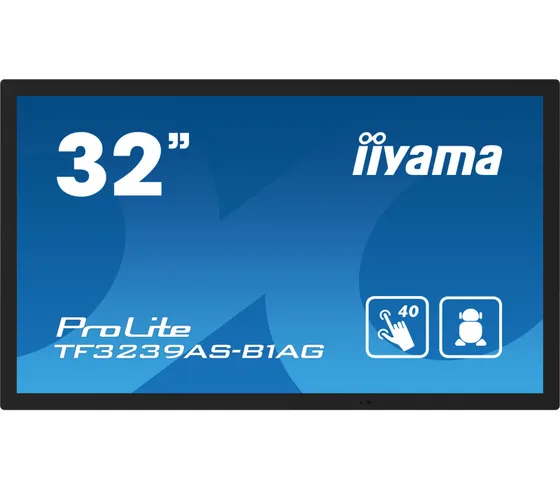
iiyama 32″ touchscreen monitor
Brand: iiyamaModel: TF3239AS-B1AG
BlackMultiTouch
View details →
unitsunits
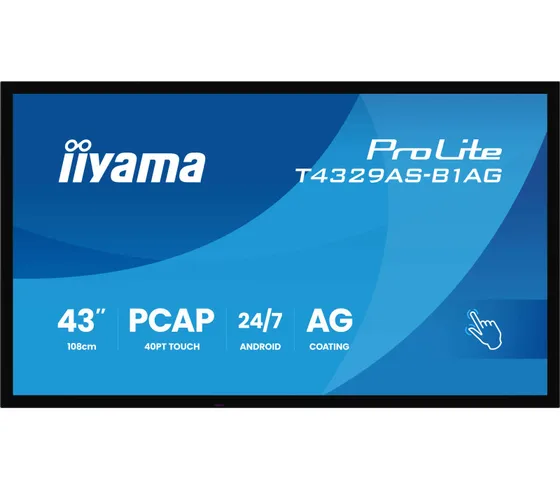
iiyama 43″ touchscreen monitor
Brand: iiyamaModel: T4329AS-B1AG
BlackMultiTouch
View details →
unitsunits